AI Yard Design Preview

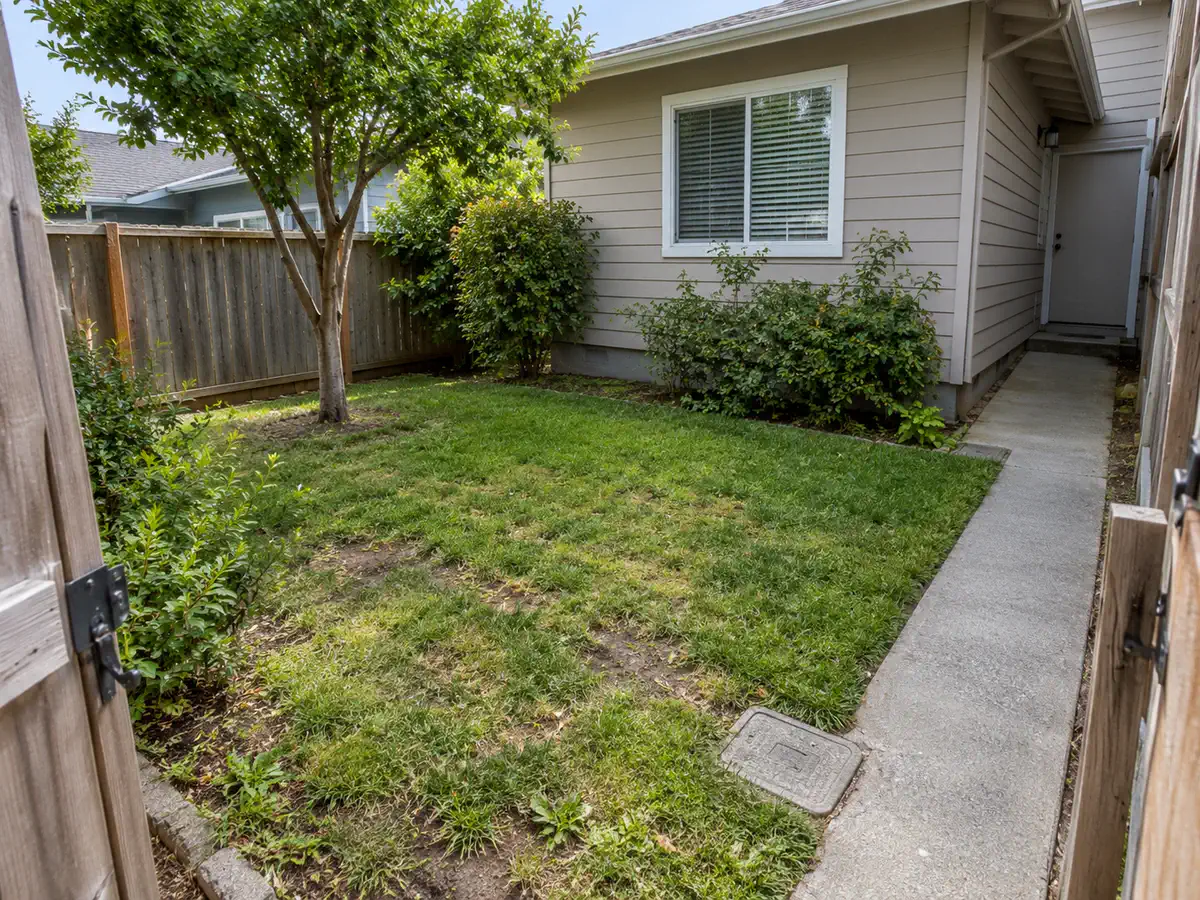
Backyard design ideas outdoor photo before landscape design
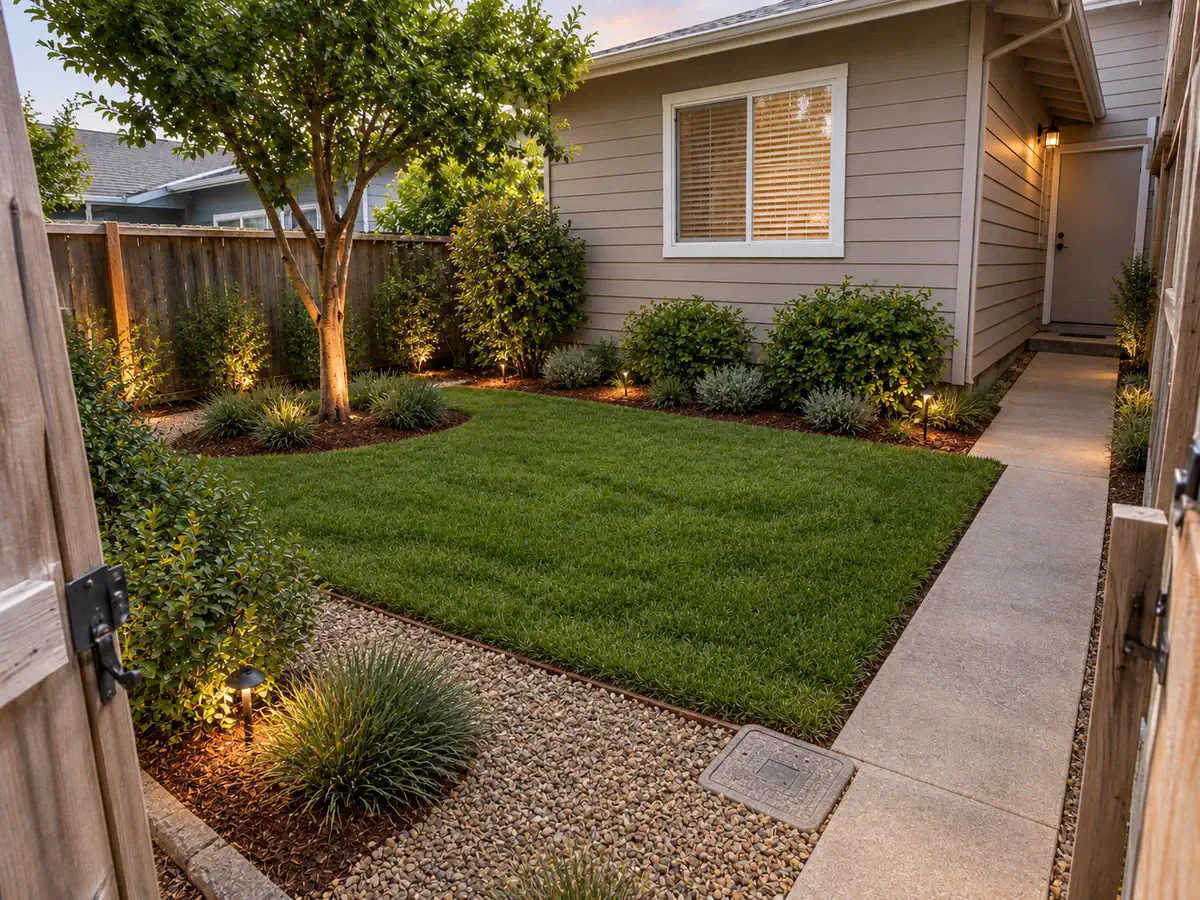
Backyard design ideas landscape concept with updated planting, hardscape, and outdoor use
Before
After

Try sample images

Need a quick start? Choose a sample image below to explore the tool.

Backyard design ideas outdoor photo sample for AI landscape design

Backyard Design Ideas

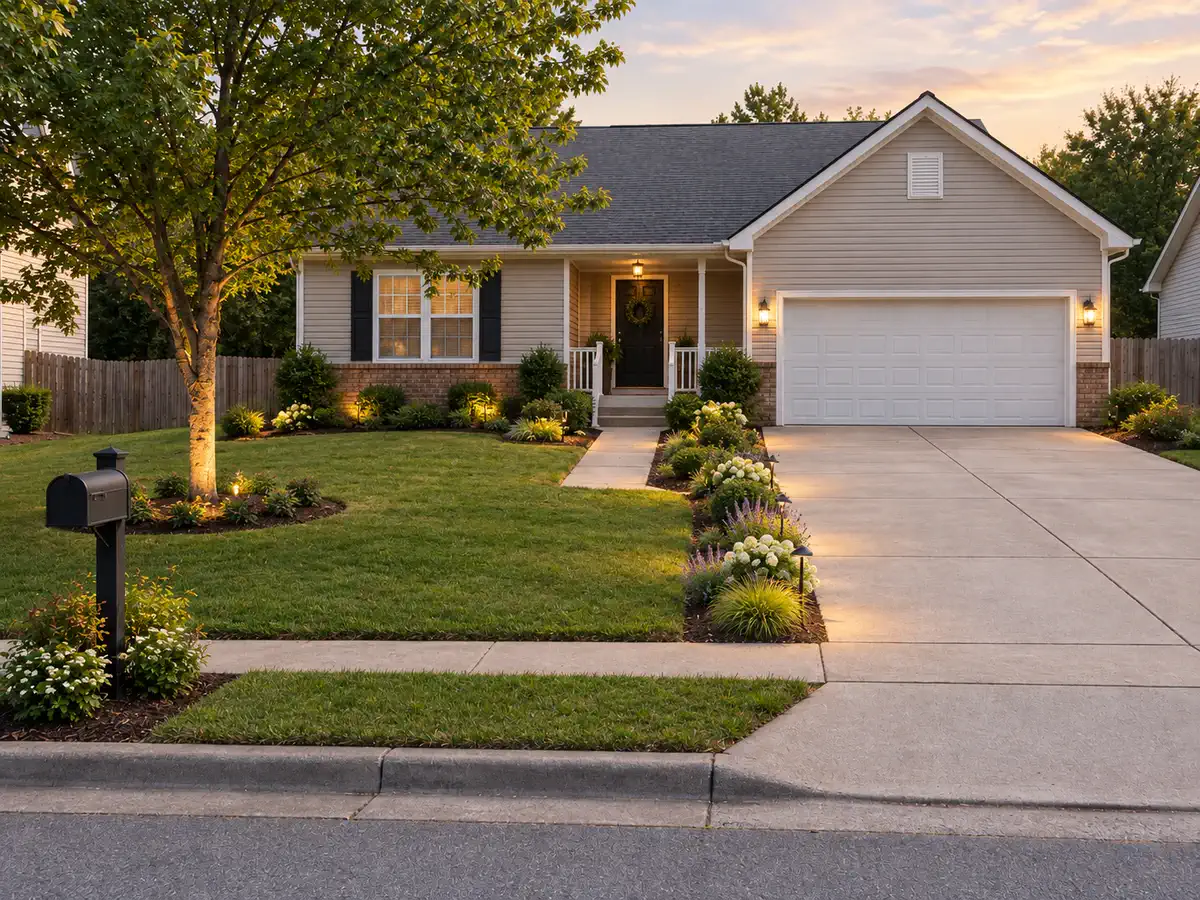
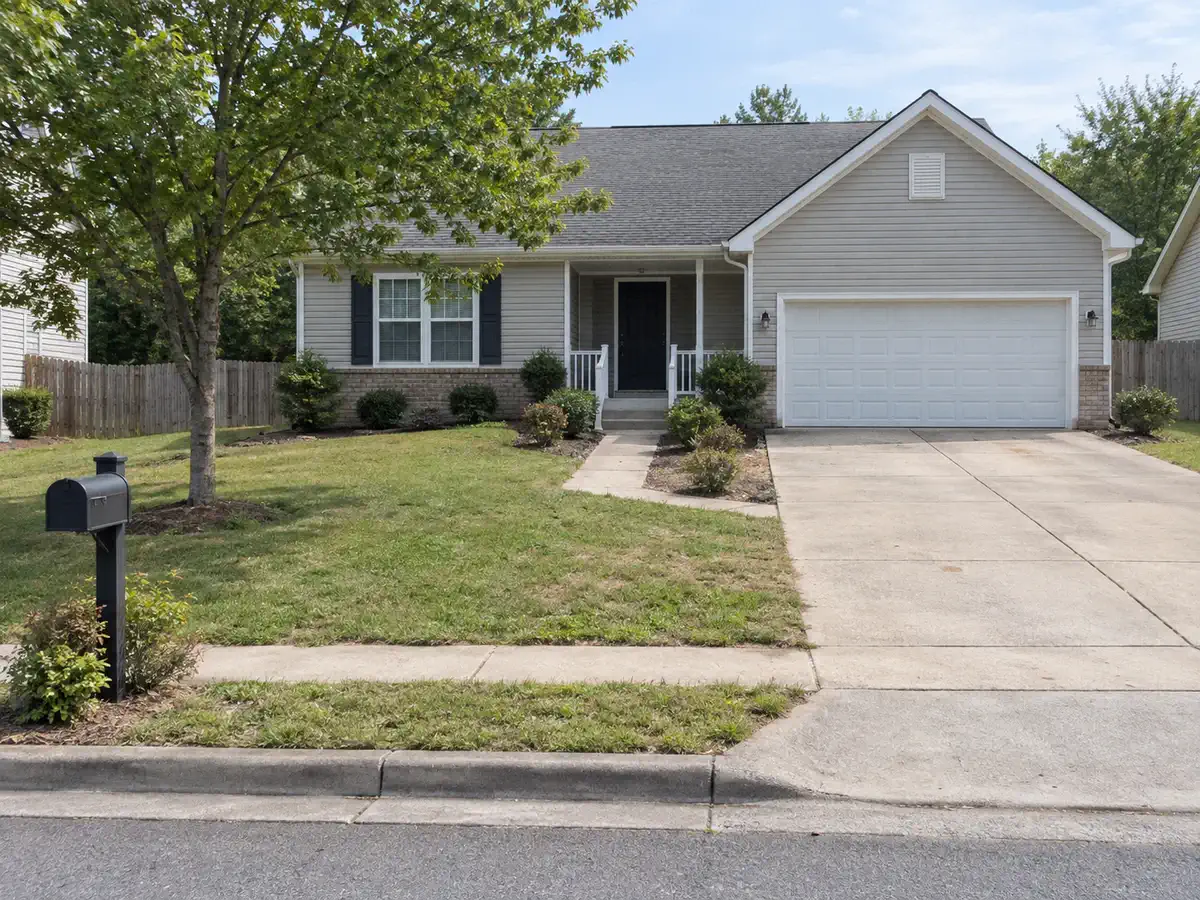
Front yard makeover outdoor photo sample for AI landscape design

Front Yard Makeover

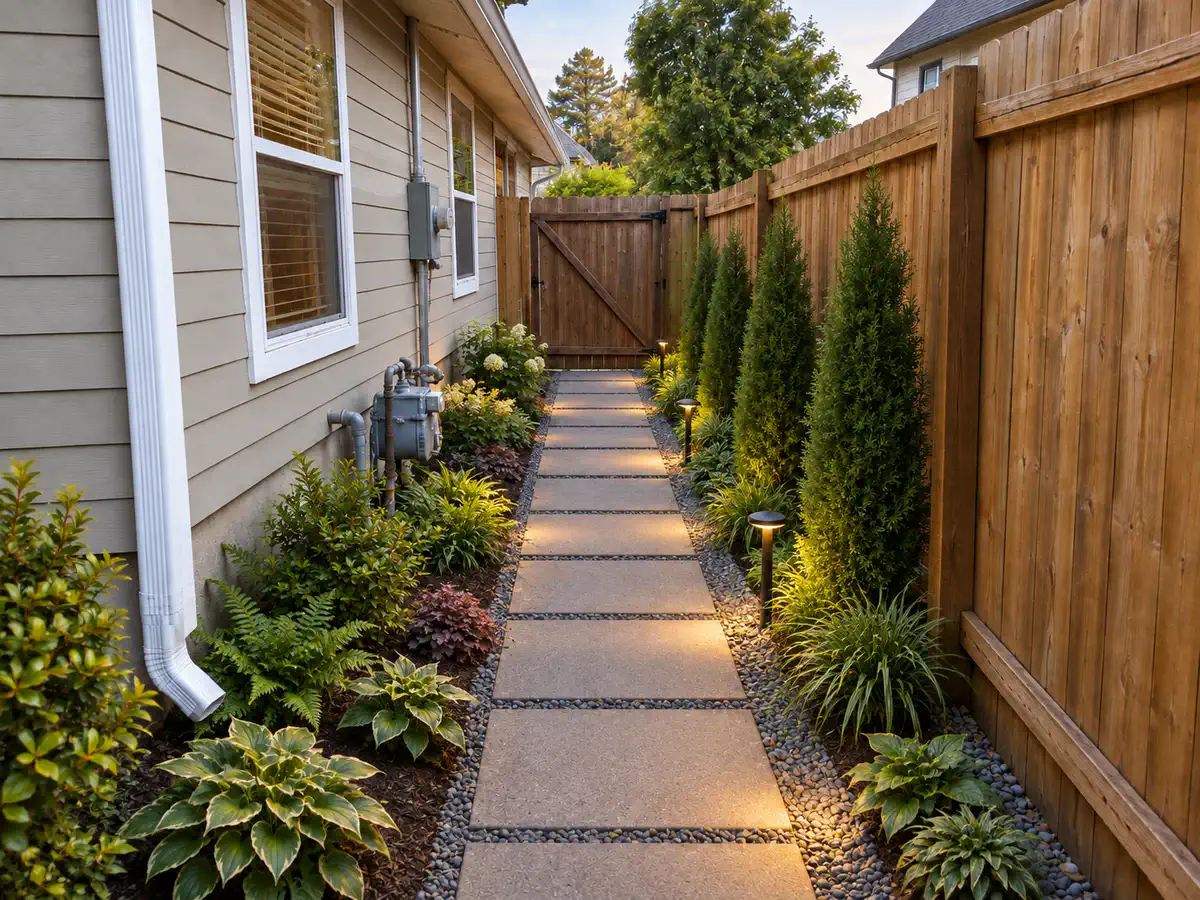
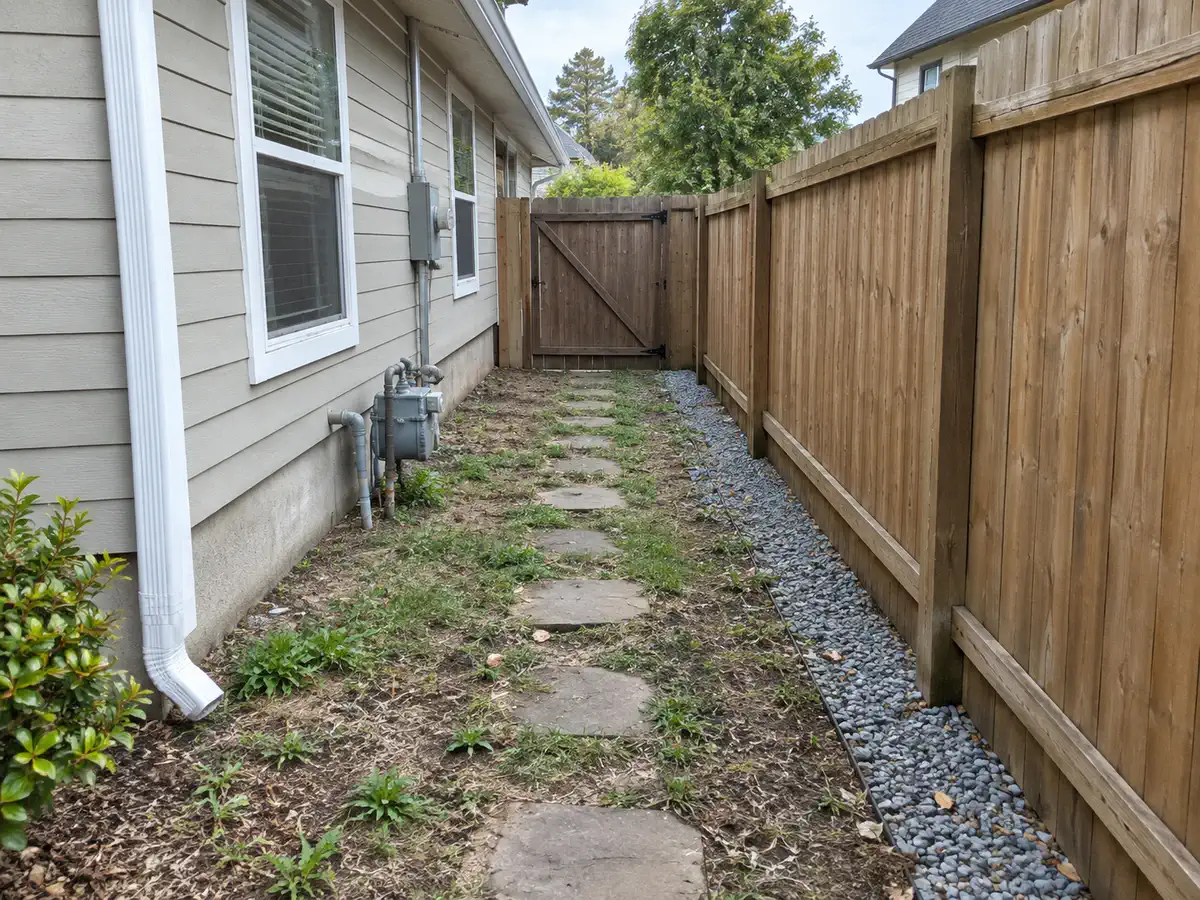
Low-maintenance yard design outdoor photo sample for AI landscape design

Low-Maintenance Yard Design

Backyard yard design concept with seating, planting, paths, and warm outdoor lighting

AI Yard Design Generator

Upload a photo of your yard and explore AI design concepts for front yards, backyards, side yards, patios, and small outdoor spaces. Compare planting, paths, privacy, lighting, hardscape, and outdoor living ideas before you move into detailed planning.

AI Yard Design
Before and After Examples

See how a real yard photo can become clear before-and-after design ideas. Compare layout, planting, paths, privacy, lighting, hardscape, and outdoor living options before you move into detailed planning.

Backyard after AI yard design with outdoor seating, planting, privacy, and lightingBackyard before AI yard design with open lawn and basic outdoor edges
BeforeAfter

Backyard Outdoor Living Option

Upload an underused backyard photo and explore a clearer outdoor living direction. Keep the house edge, fence, patio access, and main walking paths in mind while comparing seating, planting, privacy, and lighting.

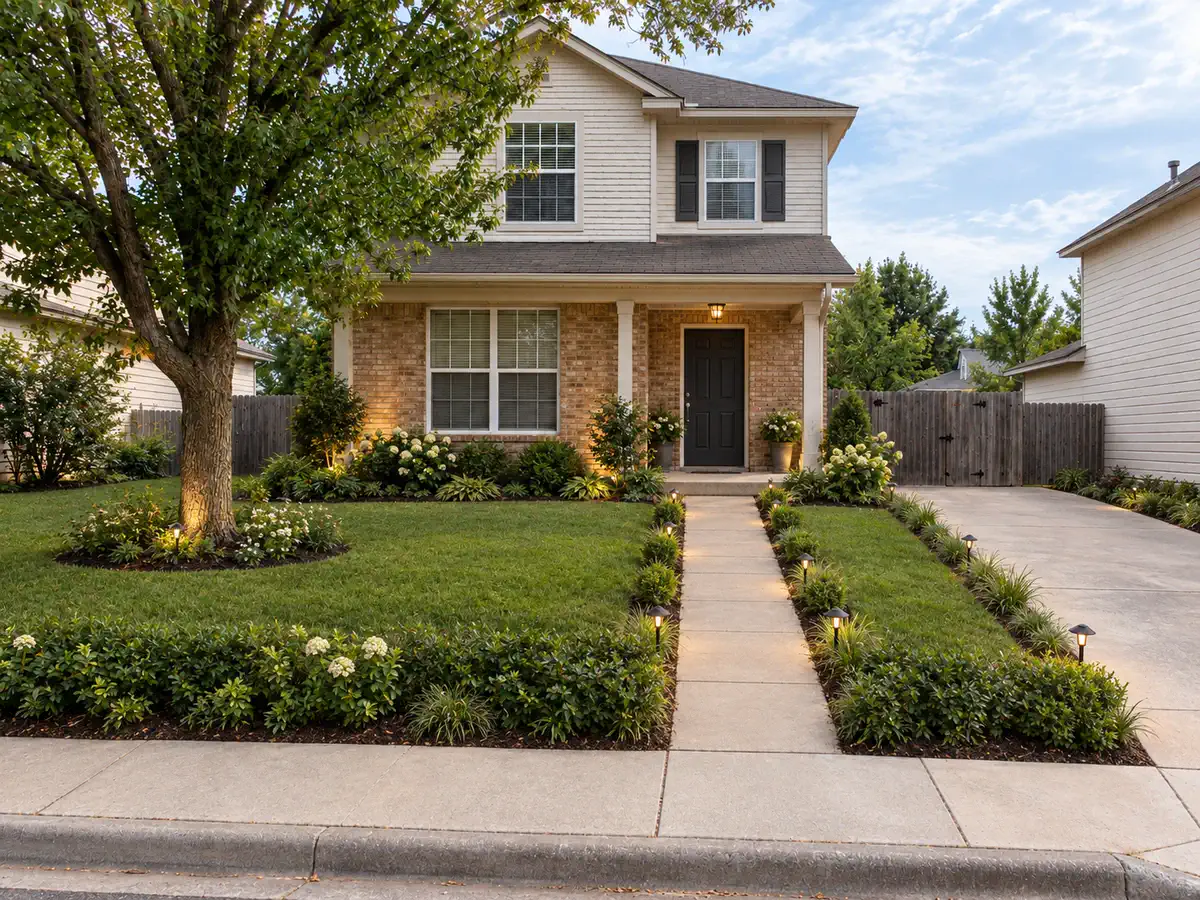
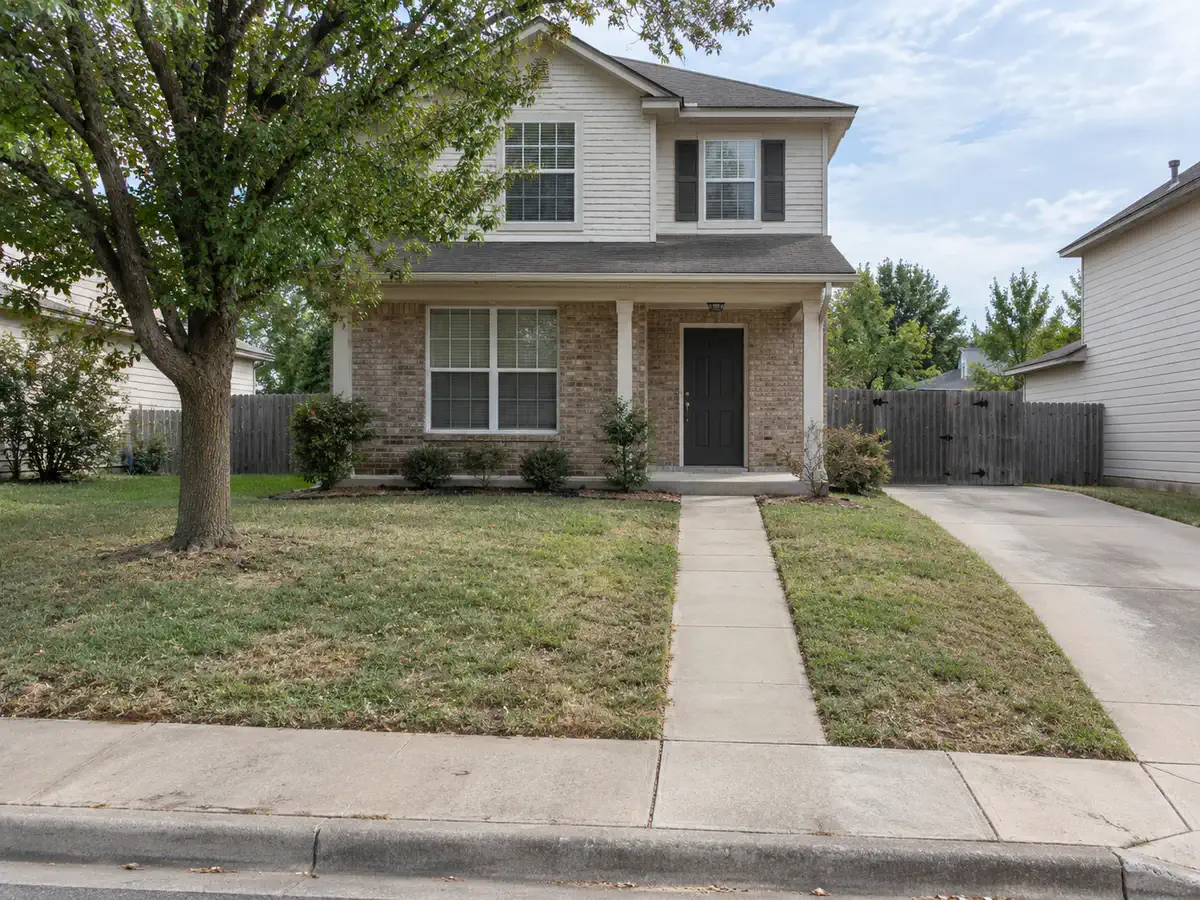
Front yard after AI yard design with entry planting, curb appeal, path direction, and lightingFront yard before AI yard design with entry path and lawn
BeforeAfter

Front Yard Curb Appeal Concept

Start from a front yard photo and explore a cleaner arrival experience. Keep the home facade, driveway, walkway alignment, visible slope, and property edges recognizable while testing entry planting and lighting.

Patio yard after AI yard design with outdoor seating, shade, planters, and warm lightingPlain patio before AI yard design with basic outdoor surface
BeforeAfter

Patio Yard Outdoor Room Concept

Use a patio or deck photo to compare a more useful outdoor room. Keep the door connection, patio edge, steps, and nearby planting areas in mind while testing furniture, shade, planters, and evening mood.

Low-maintenance yard after AI yard design with gravel, mulch, shrubs, and reduced lawnYard before low-maintenance AI yard design
BeforeAfter

Low-Maintenance Yard Study

Explore a yard direction that feels organized without adding heavy upkeep. Compare a smaller lawn, gravel, mulch, structured shrubs, simple paths, and planting beds before narrowing the plan.

How AI Yard Design Generator Works

Start with a yard photo, sketch, or render. Choose the yard area, add notes or references, then compare early concepts before planning details.

Step 01

Upload a Yard Image

Upload a clear photo, sketch, or render of the yard area you want to redesign.

Step 02

Choose the Yard Area

Pick the closest yard area so the AI can focus on entry, outdoor living, privacy, paths, planting, or patio use.

Step 03

Add Notes and References

Note what should stay in place, such as fences, doors, trees, paths, patios, slopes, and access routes. Add a reference image if you have a style direction.

Step 04

Generate and Compare

Generate 1-4 yard concepts from the same input. Compare planting, hardscape, seating, privacy, lighting, and overall direction.

AI Yard Design
Features for Yard Concepts

Use ArchOne AI to turn a yard photo, sketch, or render into early visual concepts. These features help you choose the yard area, add references, explain what should stay in place, compare image options, and review before/after results before detailed design work starts.

Yard photo uploaded for AI yard design concept generation
1

Yard Image Upload

Start from a real yard photo, outdoor sketch, or render. Use a clear image that shows the house edge, fences, paths, patio, driveway, trees, slopes, and access points when they matter.

Try a yard photo
Backyard landscape area selector for AI yard design
2

Yard Area Selector

Choose the yard area that best matches your photo, such as a backyard, front yard, side yard, small yard, narrow yard, patio yard, pool yard, driveway entry yard, or fence-line yard.

Choose yard area
Yard reference image for planting, paving, privacy, and lighting direction
3

Optional Reference Images

Upload a planting, paving, privacy, outdoor furniture, or lighting reference. Use it as a visual cue while the original yard photo stays the main constraint.

Add yard references
AI yard design concept preserving existing yard edges, paths, trees, and structures
4

Keep Existing Yard Features in Place

Use notes to tell the AI what should stay in place, such as fences, property edges, doors, walkways, driveways, steps, patios, decks, pool edges, major trees, slopes, and access routes.

Add keep notes
Multiple AI yard design concept options for review
5

1-4 Images Per Generation

Generate one quick yard concept or compare several options from the same photo. Use multiple images when you want to review different planting, privacy, seating, hardscape, or lighting directions.

Compare yard concepts
AI yard design before and after concept preview
6

Before/After Concept Preview

Review the original yard photo next to the generated concept. The comparison helps you judge whether the idea keeps the site recognizable and improves the parts you care about.

View yard preview

AI Yard Design FAQ

Still stuck? Contact us.

Upload a clear yard photo, choose the closest yard area, add notes about what should change and what should stay, then generate early design concepts. Use the results to compare planting, paths, privacy, lighting, seating, patio, and hardscape ideas.


You can sign in to receive starter credits and try AI yard design before upgrading. Each generated image uses credits, and paid plans or credit packs are available when you need more concepts or exports.


Yes. Upload a photo of your front yard, backyard, side yard, patio yard, pool yard, courtyard, driveway entry, sketch, or early render. A real photo usually gives the AI better context than a generic inspiration image.


Use a bright, steady photo that shows the main yard area, house edge, fences, paths, driveway, patio, deck, pool, trees, slopes, and access points. Avoid extreme close-ups, heavy clutter, dark night photos, or images where important edges are hidden.


Yes. Use ArchOne AI for front yards, backyards, side yards, small yards, narrow yards, courtyards, patio yards, pool yards, and driveway entry yards. Choose the closest yard area in the tool and describe your main goal in the notes.


Mention the yard type, the main goal, the style direction, and what should stay fixed. Useful notes include privacy needs, lawn changes, paths, seating, patio or deck edges, driveway location, existing trees, planting density, lighting, shade, and maintenance level.


You can ask the AI to keep visible fences, property edges, doors, driveways, walkways, steps, gates, patios, decks, pool edges, major trees, established planting, and the camera angle in mind. Treat the result as a visual concept and confirm site details before design or construction decisions.


No. ArchOne AI creates visual yard concepts, not measured landscape plans, planting schedules, grading plans, drainage designs, irrigation layouts, permits, or contractor pricing. Use the images to compare direction, then confirm details with qualified professionals.


Use photos that are appropriate for an online design tool, especially for client projects. Avoid uploading faces, children, visible addresses, license plates, private documents, or sensitive site details. Review ArchOne AI's <a class="text-primary font-semibold underline underline-offset-4" href="/privacy-policy" title="ArchOne AI Privacy Policy">privacy policy</a> before using confidential project images.


AI yard design concept with backyard seating, planting, paths, privacy, and warm lighting

Turn Your Yard Photo Into AI Yard Design Ideas

Upload a photo of your front yard, backyard, side yard, patio, or small outdoor space. Then compare AI yard design ideas for planting, paths, privacy, lighting, and outdoor living before choosing a direction.