
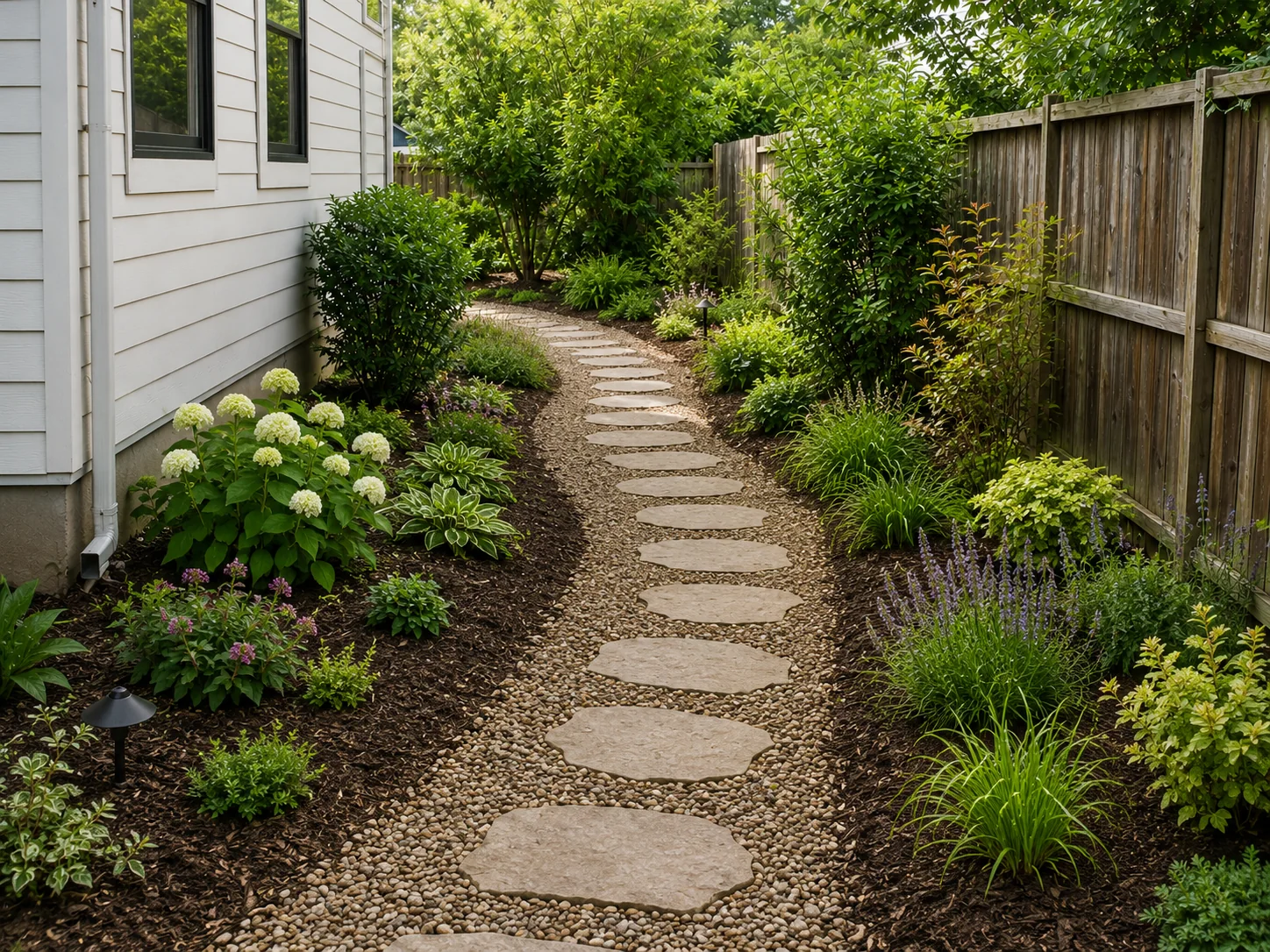
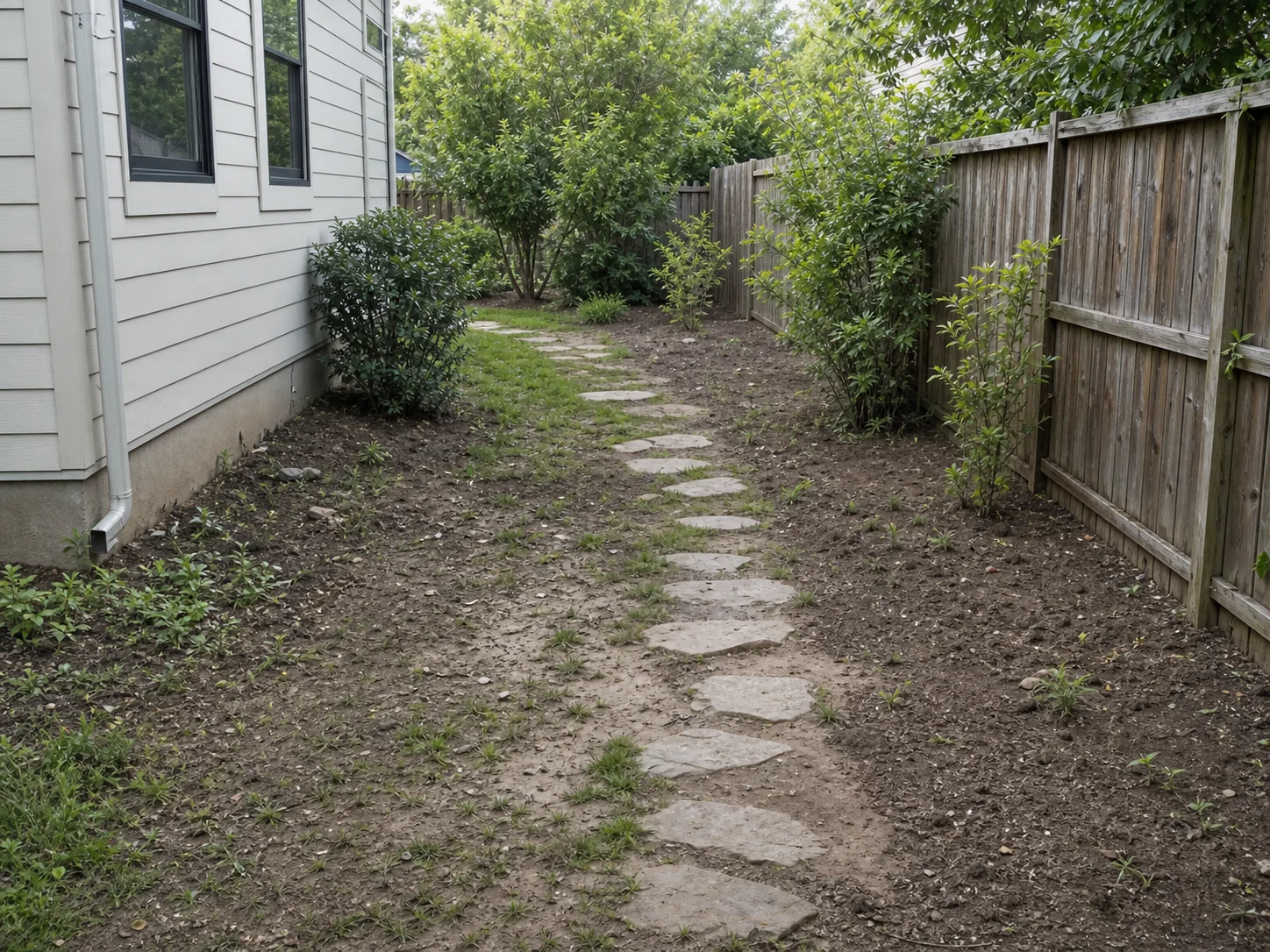
BeforeAfter
Garden Path and Planting Concept
Start with a garden path or planting border photo. Keep the path, fence, major trees, and bed edges recognizable. Compare layered planting, ground cover, and soft lighting.
Choose your cookie settings
We use necessary cookies for sign-in, security, and features you choose. Analytics, marketing services, and proactive third-party sign-in prompts that use browser identifiers load only after you consent; authentication services may load immediately when you choose to sign in. View the Cookie Policy
AI Garden Design Preview


Try sample images
Need a quick start? Choose a sample image below to explore the tool.
Garden Path Planting

Low-Maintenance Garden

Cottage Garden Mood

Upload a garden photo and compare early AI garden design concepts. Test planting beds, paths, flower color, privacy, lighting, and easier-care planting before choosing a visual direction.
See how a garden photo can turn into early visual options. Compare planting beds, paths, flower color, lighting, and easier-care garden directions before detailed planning.
Start with a garden path or planting border photo. Keep the path, fence, major trees, and bed edges recognizable. Compare layered planting, ground cover, and soft lighting.
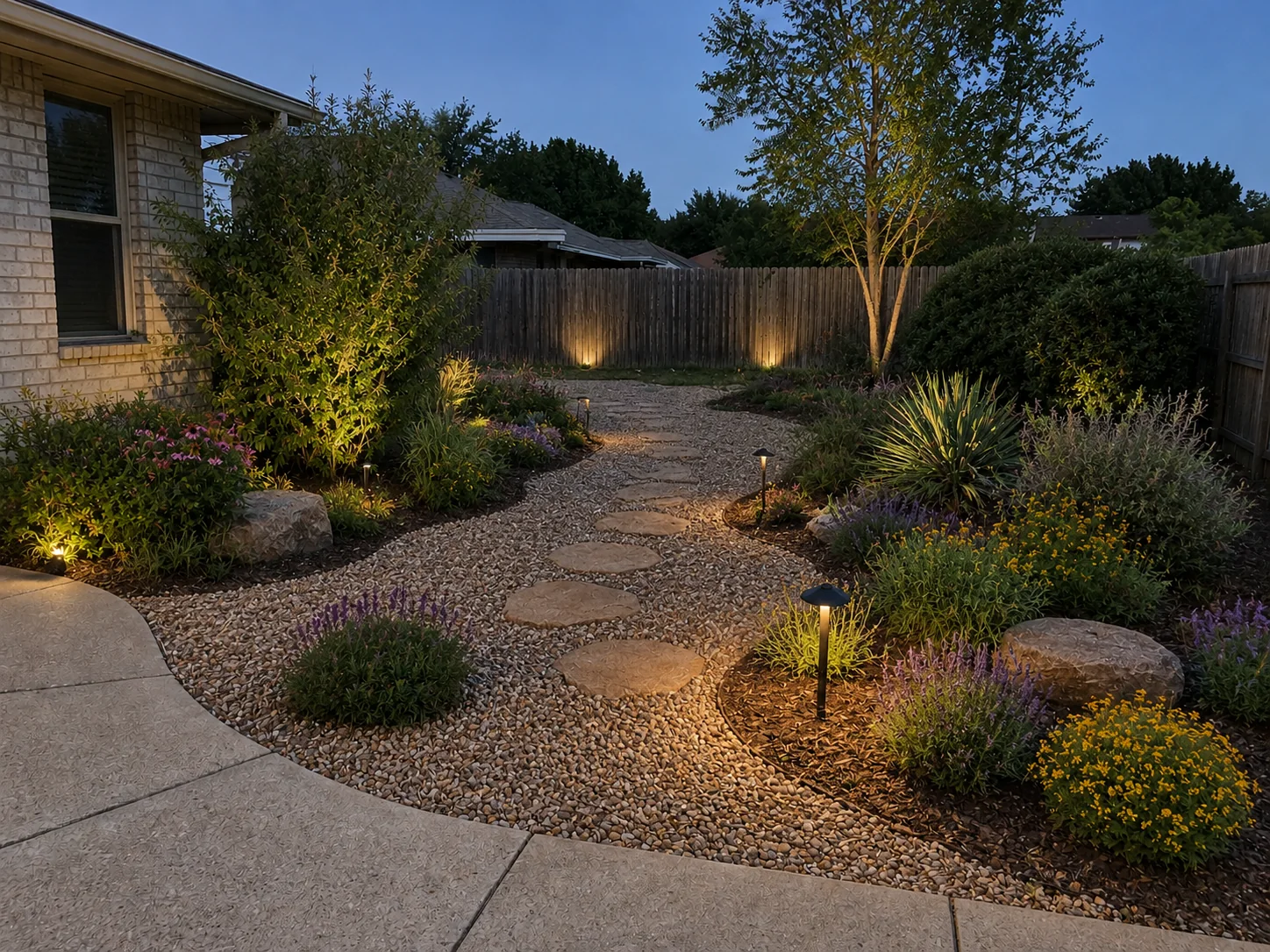
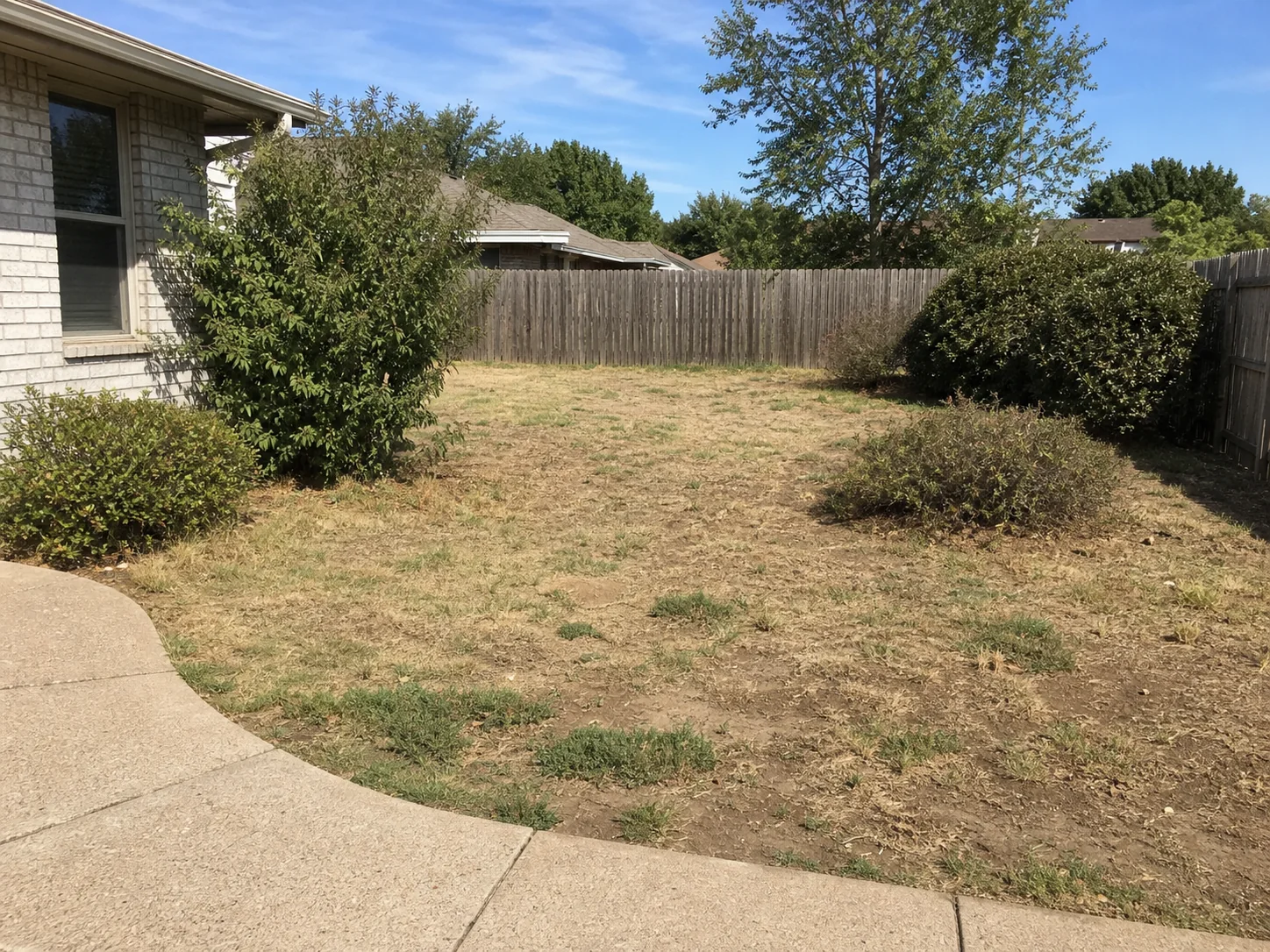
Use a garden bed, border, or path photo to test an easier-care direction. Compare gravel, mulch, shrubs, ornamental grasses, simple beds, and clear paths.
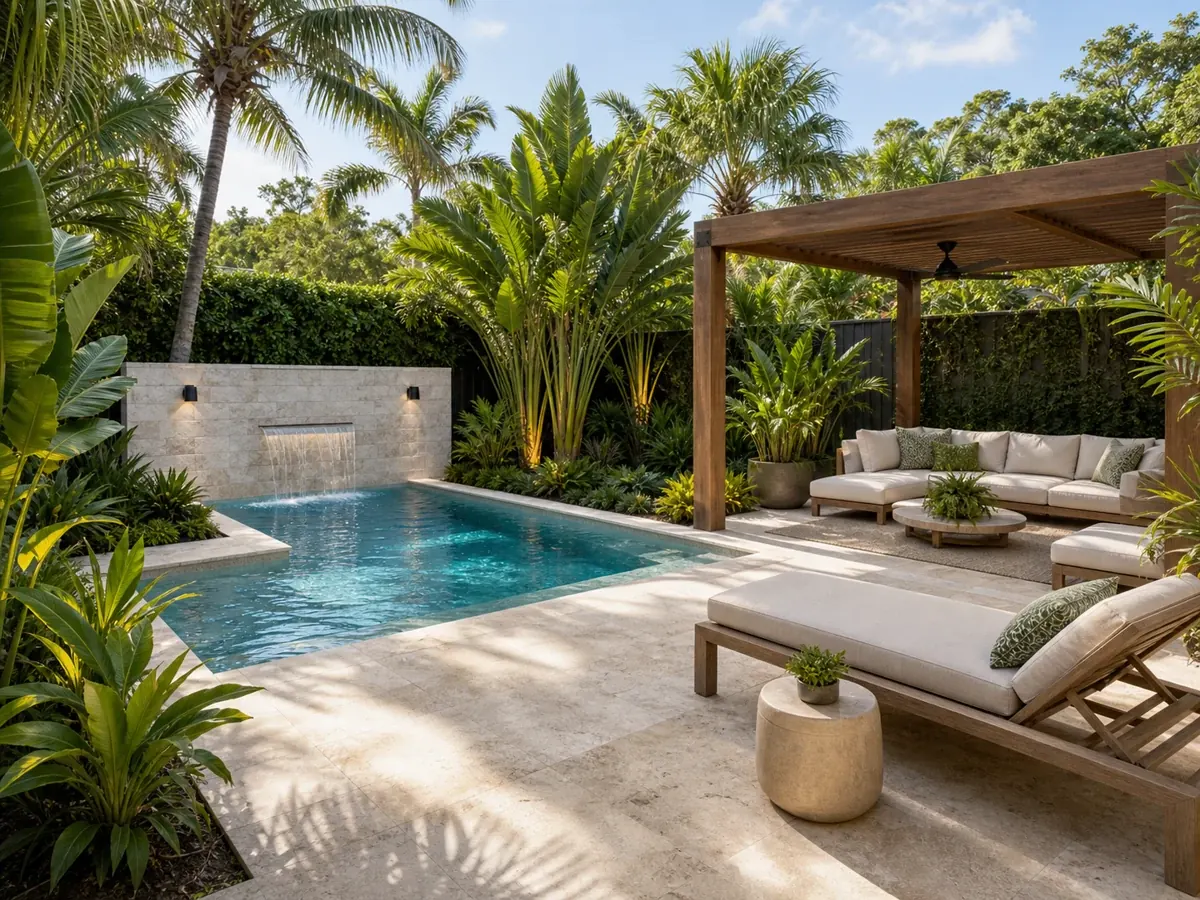
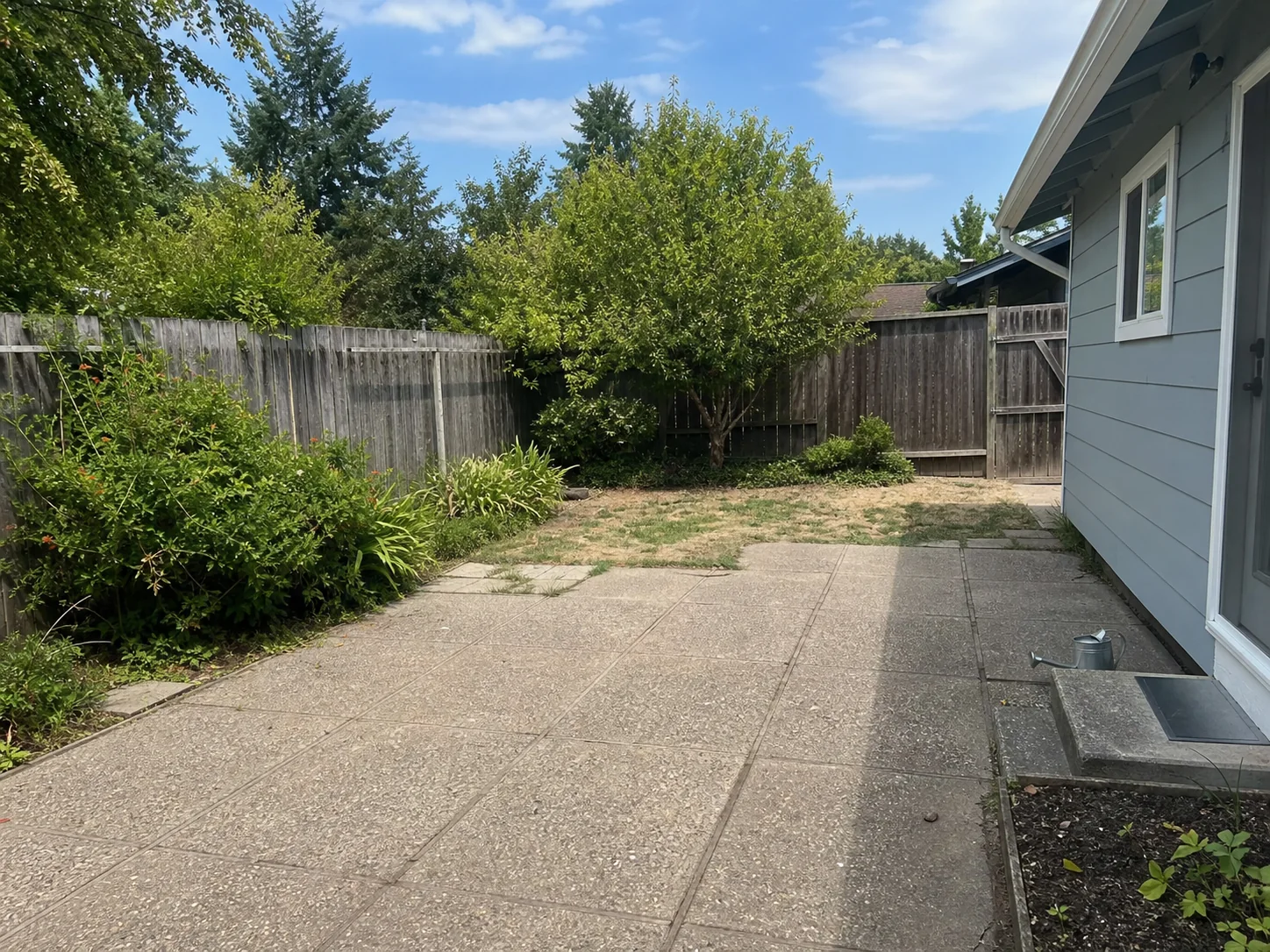
Explore a softer, flower-forward direction. Compare layered perennials, informal edges, color, and a relaxed garden mood.
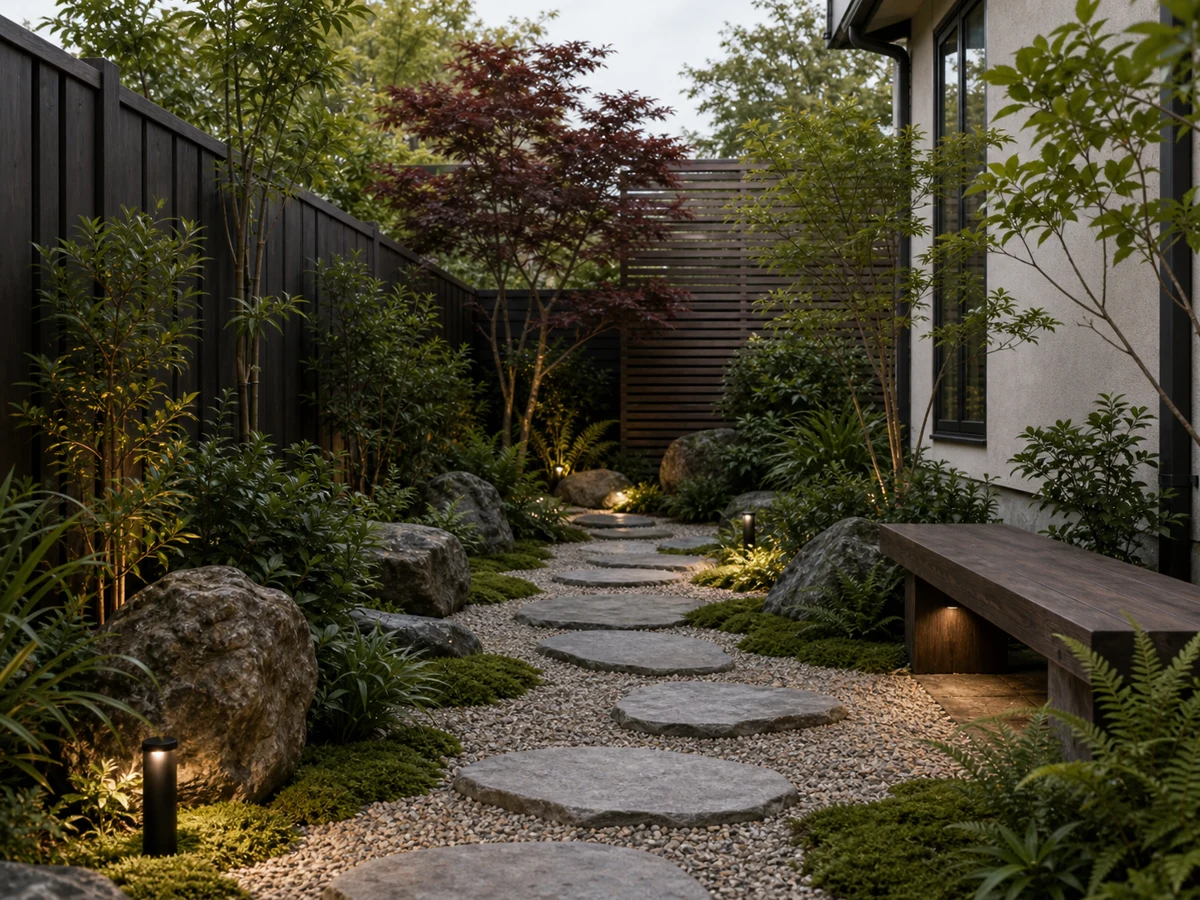
Compare a quieter direction with stone, gravel, simple planting, and calm focal points. Use it as a visual mood study before checking plants and site details.
Start with a garden photo, sketch, or render. Set the garden direction, add notes or references, then compare early concepts before detailed planning.
Step 01
Upload a clear garden photo, sketch, or render. Include paths, planting beds, fences, trees, and edges when they matter.
Step 02
Choose a garden style and the elements you want to test, such as flowers, shrubs, ground cover, paths, raised beds, privacy, lighting, or water features.
Step 03
Note what should stay in place. Include paths, fences, trees, bed edges, patios, slopes, and access routes. Add a reference image when you have a garden mood in mind.
Step 04
Generate 1-4 garden concepts from the same input. Compare planting density, paths, materials, lighting, care level, and overall mood.
Use ArchOne AI to turn a garden photo, sketch, or render into early visual concepts. Choose a garden style, select garden elements, add references, and note what should stay in place.

Start from a real garden photo, sketch, or render. Use a clear image that shows paths, beds, fences, walls, trees, slopes, and access points.
Useful when the concept needs to respond to your real garden, not a generic inspiration image.
Try a garden photo
Choose the garden style first. Then select what you want to test, such as flowers, shrubs, ground covers, grasses, paths, raised beds, lighting, privacy, or water features.
Useful when you want a clear planting mood before comparing garden changes.
Choose garden style
Upload a planting, path, raised bed, style, or lighting reference. Use it as a cue while the garden photo stays primary.
Useful when you already know the mood, planting density, or material direction you want to test.
Add garden references
Tell the AI what should stay in place. Mention paths, fences, walls, patios, bed edges, trees, slopes, utilities, and access routes.
Useful when you want new planting or style while keeping the garden recognizable.
Add keep notes
Generate one garden concept or compare up to four options from the same photo. Review different planting, path, color, lighting, or care directions.
Useful before a client review, family discussion, or first conversation with a garden professional.
Compare garden conceptsReview the original garden photo next to the generated concept. Check whether the idea keeps the site recognizable and improves the parts you care about.
Useful when you need a simple visual reference before detailed garden design work starts.
View garden previewUse these broader landscape and yard guides to explore planting beds, paths, edging, privacy, lighting, and the wider outdoor setting around a garden.
Move between floor planning, interior concepts, exterior studies, and landscape ideas without leaving your ArchOne AI workflow.
ArchOne AI Studio
Keep planting references, seasonal directions, paths, and lighting studies together while comparing garden concepts.
 One connected workspace
Create early 2D or 3D-style floor plan concepts from property type, area, rooms, and layout notes.

Create outdoor concepts for planting, hardscape, patios, gardens, paths, lighting, and site review.

Generate room concepts from photos, sketches, or references for materials, furniture, lighting, and style direction.

Explore facade updates, exterior materials, color palettes, entry details, and curb appeal directions.
Have more questions? Contact us.
Upload a clear garden photo, choose Garden Elements, and add notes about what should stay. ArchOne AI creates early visual concepts so you can compare planting beds, paths, materials, lighting, and garden mood.
You can sign in to receive starter credits and try AI garden design. Each generated image uses credits. Paid plans or credit packs are available when you need more concepts or exports.
Yes. Upload a garden photo, planting bed, raised bed, garden path, courtyard garden, small garden, sketch, or render. A real photo helps the AI respond to your space.
Use a bright, steady photo of the garden area. Try to show paths, fences, walls, trees, slopes, and access points. Avoid dark photos, tight plant close-ups, and images with hidden garden edges.
You can test flower gardens, vegetable gardens, raised beds, small gardens, courtyard gardens, cottage gardens, Japanese gardens, modern gardens, and low-maintenance ideas. Keep the prompt focused so the concept does not get crowded.
Yes. Upload a small garden or courtyard photo and describe one main goal. Mention paths, seating, privacy, containers, raised beds, and lighting. For compact gardens, compare simple options first.
Write a short note with the garden type, the mood you want, and what should stay. For example: keep the fence, stone path, maple tree, and patio edge. Add layered perennials, evergreen structure, soft path lighting, and an easier-care cottage garden feel.
Yes. Ask the AI to keep visible paths, fences, walls, patios, steps, gates, major trees, bed edges, slopes, utilities, and the camera angle in mind. Confirm real site details before implementation.
No. ArchOne AI creates visual garden concepts. It does not create measured planting plans, verified plant lists, irrigation layouts, drainage plans, grading studies, permits, or contractor-ready documents. Use the images to compare direction. Then confirm plants and site details with qualified professionals.
Use photos that are appropriate for an online design tool. Avoid faces, children, visible addresses, license plates, private documents, and sensitive site details. Review ArchOne AI's <a class="text-primary font-semibold underline underline-offset-4" href="/privacy-policy" title="ArchOne AI Privacy Policy">privacy policy</a> before using confidential project images.
Last updated: September 7, 2026
Upload a garden photo and compare early concepts for planting beds, paths, color, privacy, lighting, and easier-care ideas. Use the results to choose a direction before detailed garden planning.
