AI Pool Design Preview

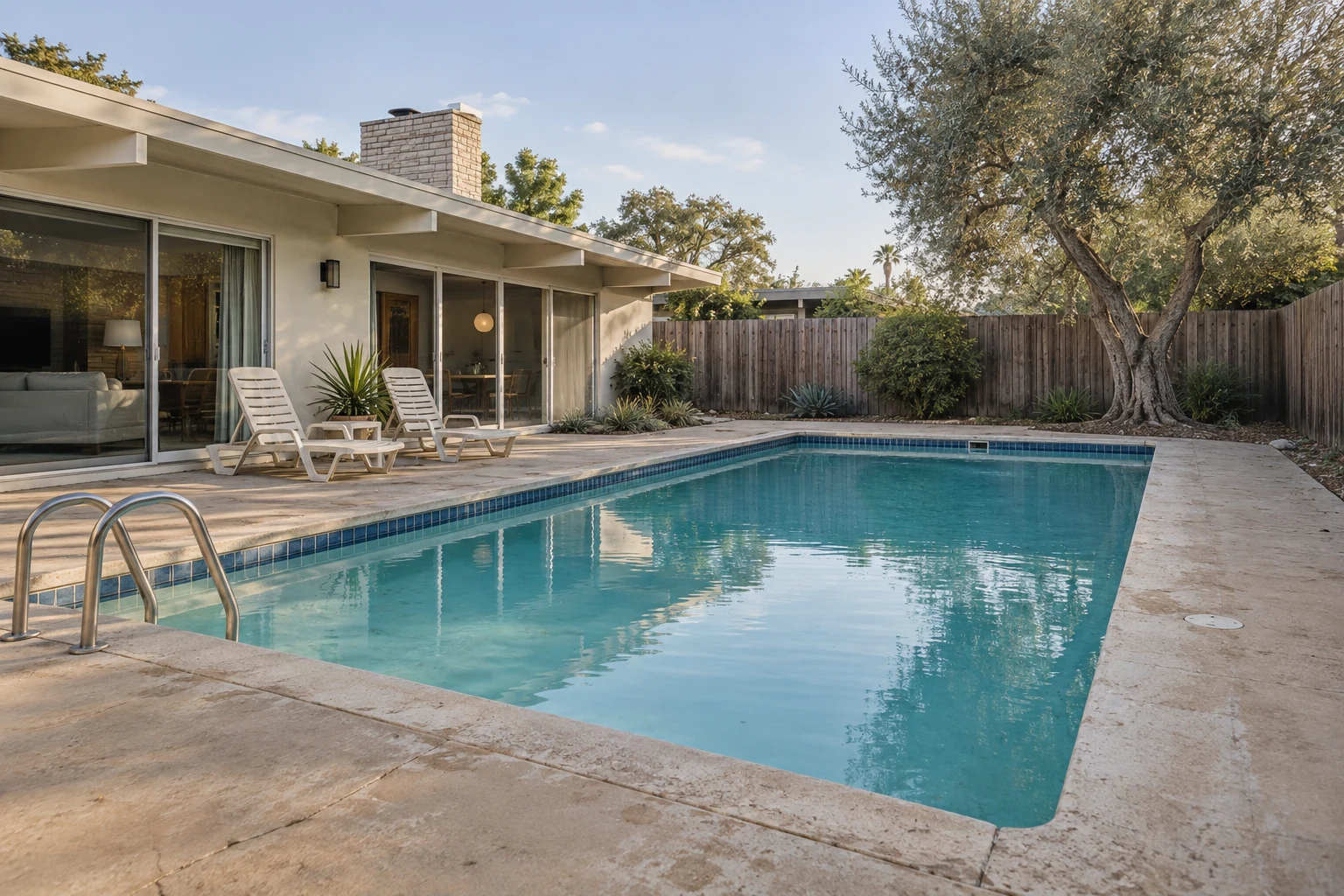
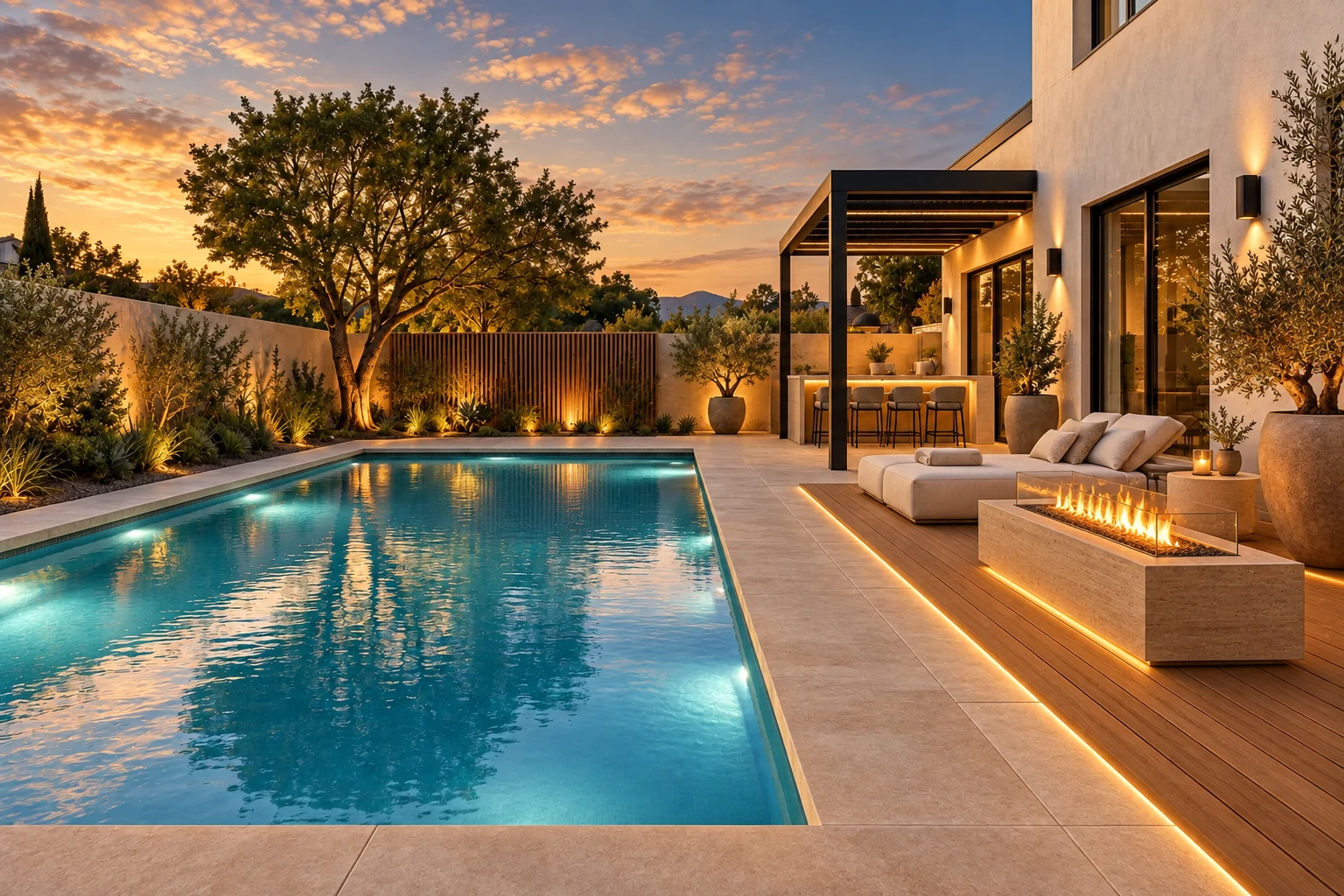
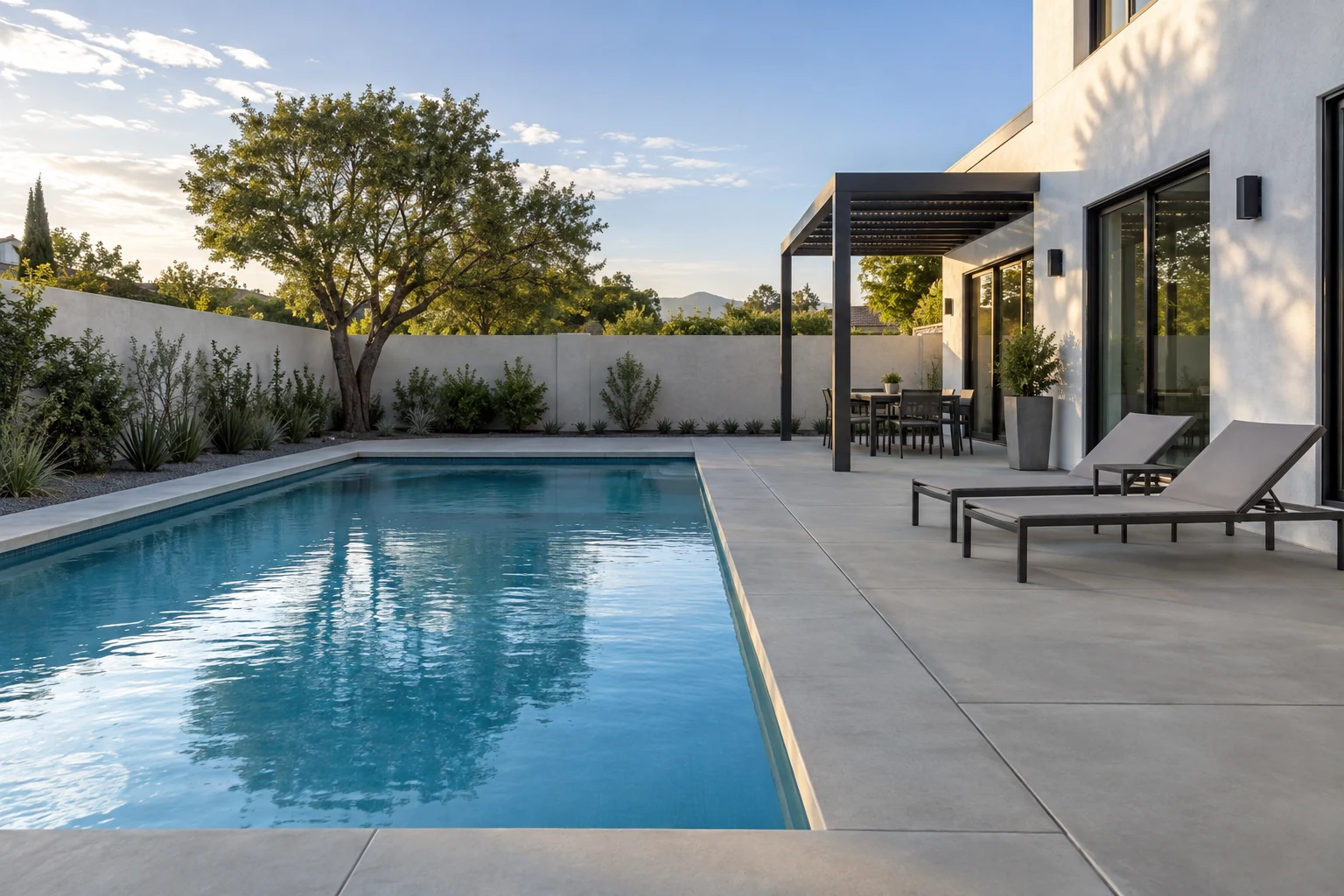
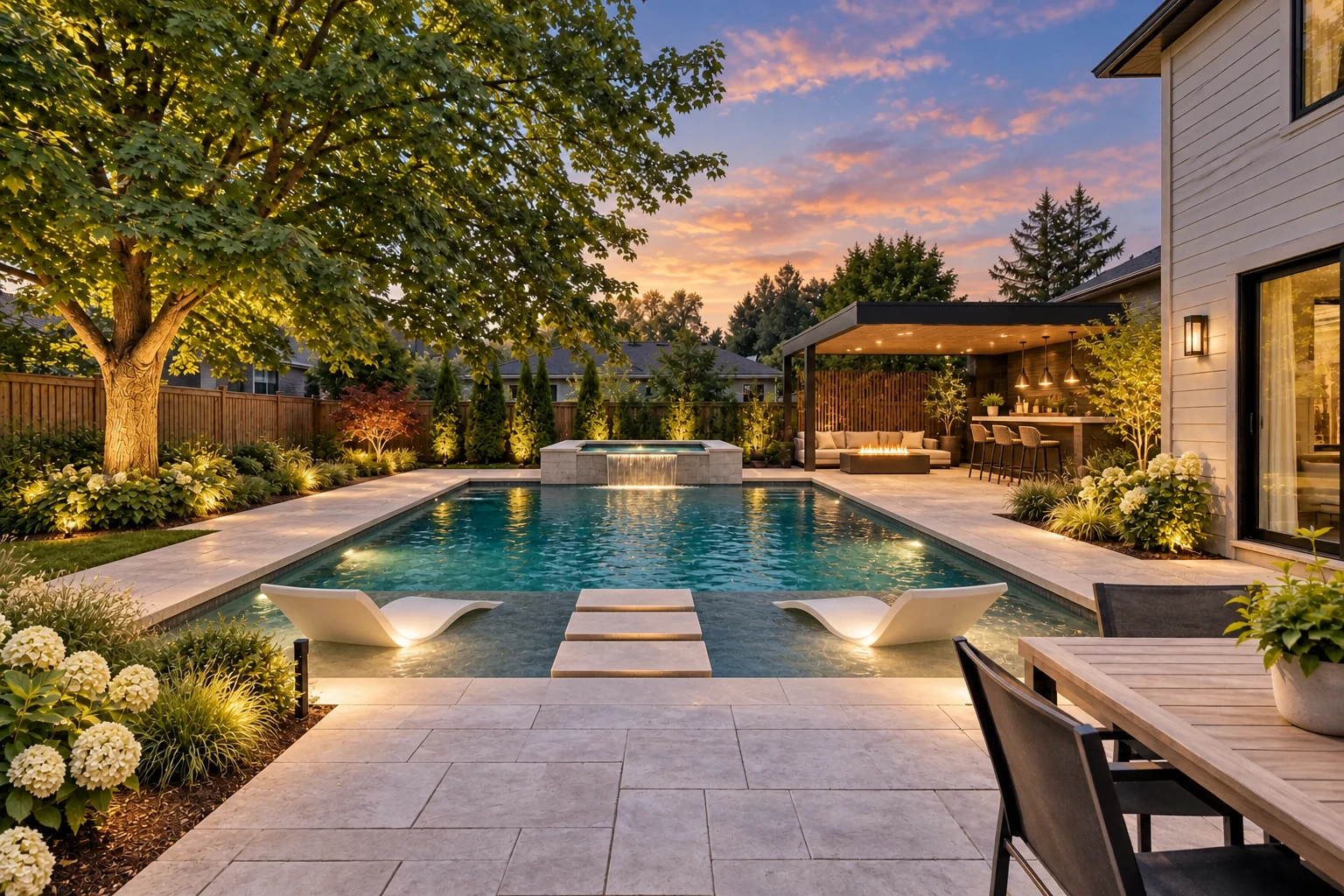
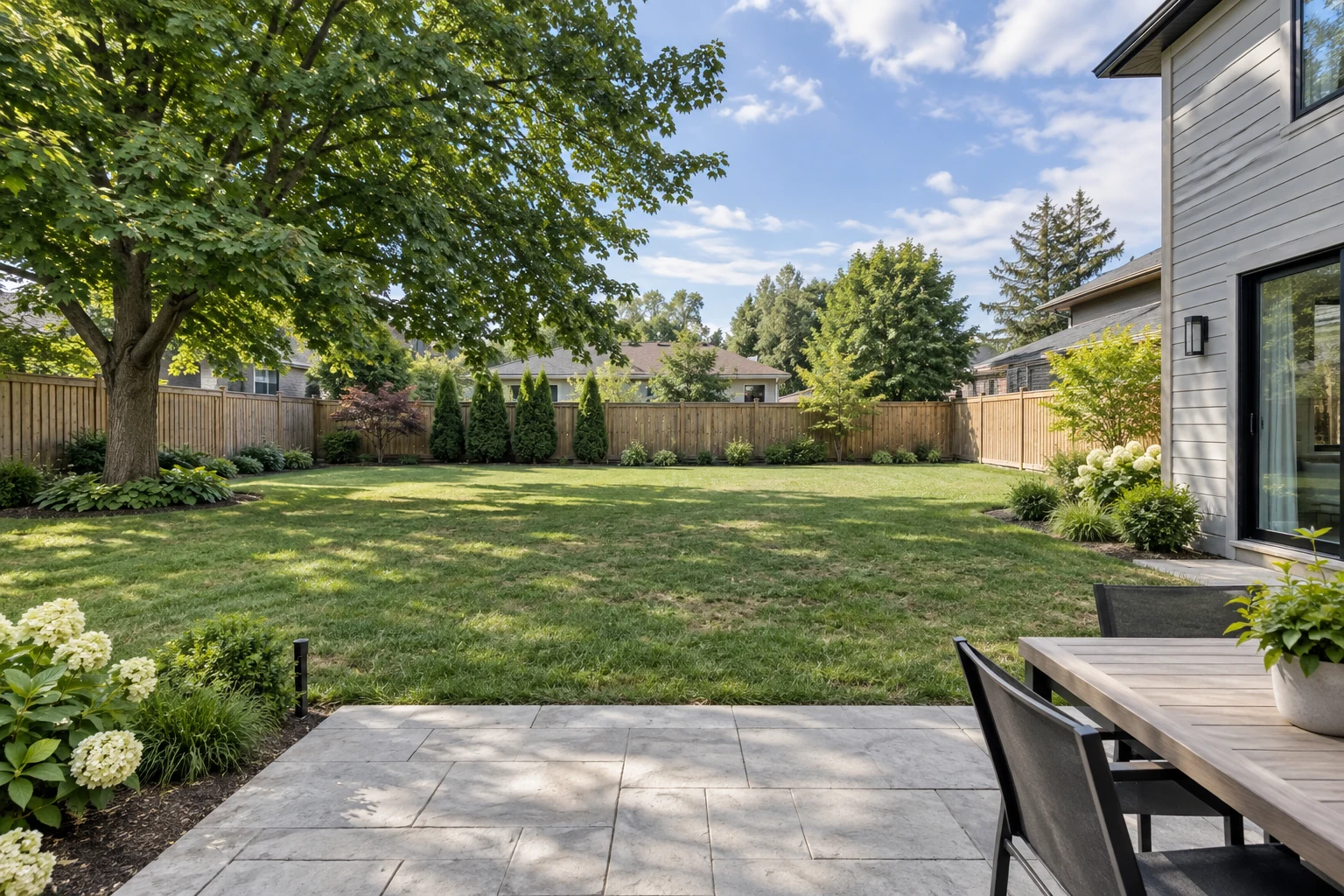
Poolside lounge concept outdoor photo before landscape design
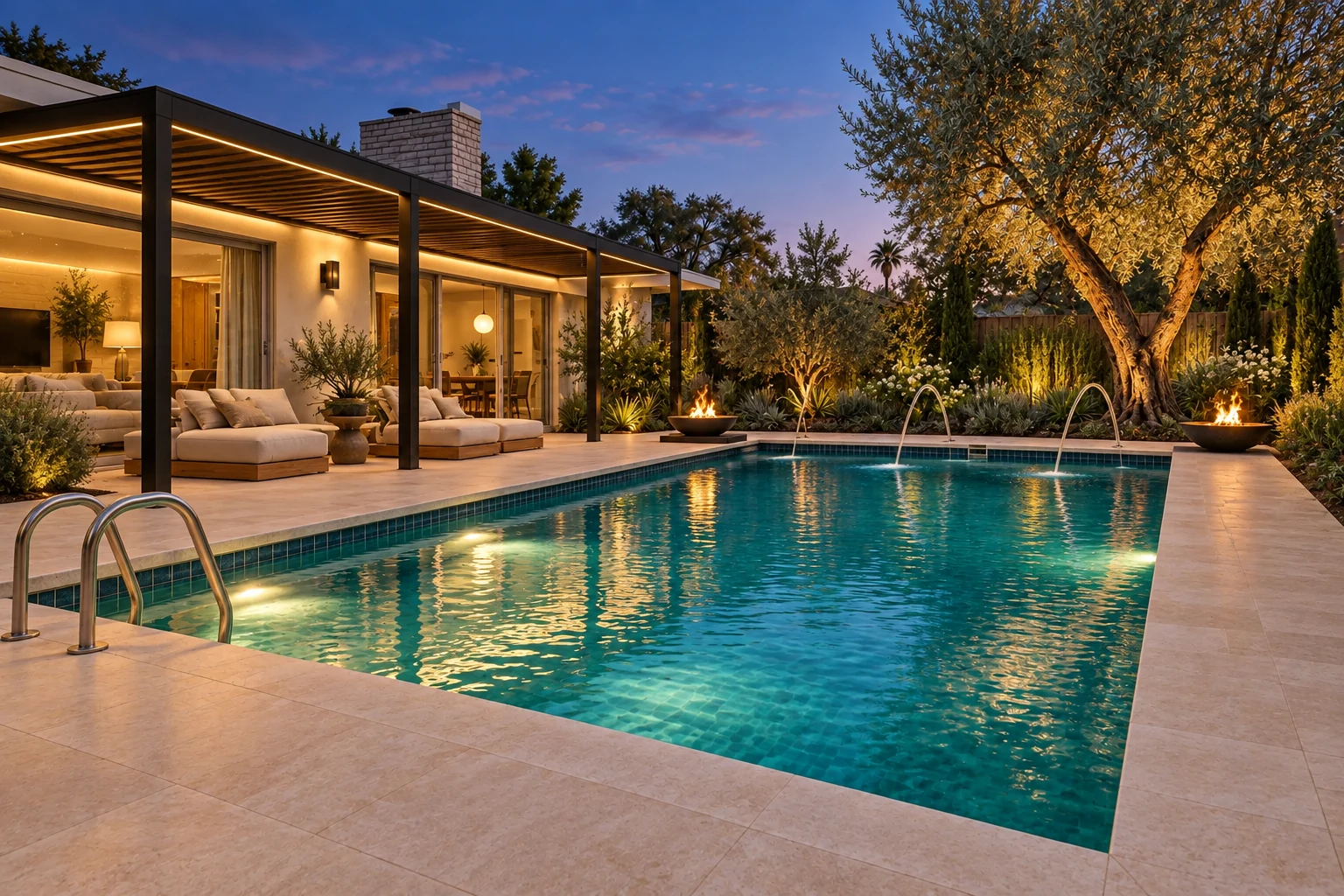
Poolside lounge concept landscape concept with updated planting, hardscape, and outdoor use
Before
After

Try sample images

Need a quick start? Choose a sample image below to explore the tool.

Poolside lounge concept outdoor photo sample for AI landscape design

Poolside Lounge Concept

Small backyard pool outdoor photo sample for AI landscape design

Small Backyard Pool

Pool planting edge outdoor photo sample for AI landscape design

Pool Planting Edge

AI pool design concept with poolside planting, lounge seating, privacy, shade, and warm lighting

AI Pool Design Generator

Upload a pool area photo and compare early visual concepts. Test pool style, deck surface, lounge seating, planting, privacy, shade, and lighting before detailed planning.

AI Pool Design
Before and After Examples

See how a real pool area photo can become clear visual options. Compare pool style, deck surface, planting, lounge space, privacy, shade, and lighting.

Pool area after AI pool design with lounge seating, planting, privacy, and warm lightingPool area before AI pool design with existing pool edge and deck
BeforeAfter

Poolside Lounge and Planting Concept

Start with a pool area photo. Keep the pool shape, coping, deck edge, doors, gates, and fence recognizable. Compare seating, planting, privacy, and paths.

Small backyard after AI pool design with compact pool area, planting, lounge seating, and privacyBackyard before AI pool design with existing outdoor space and house edge
BeforeAfter

Small Backyard Pool Option

Use a small backyard pool or spa-edge photo. Compare compact seating, planters, shade, privacy, and the path from the house.

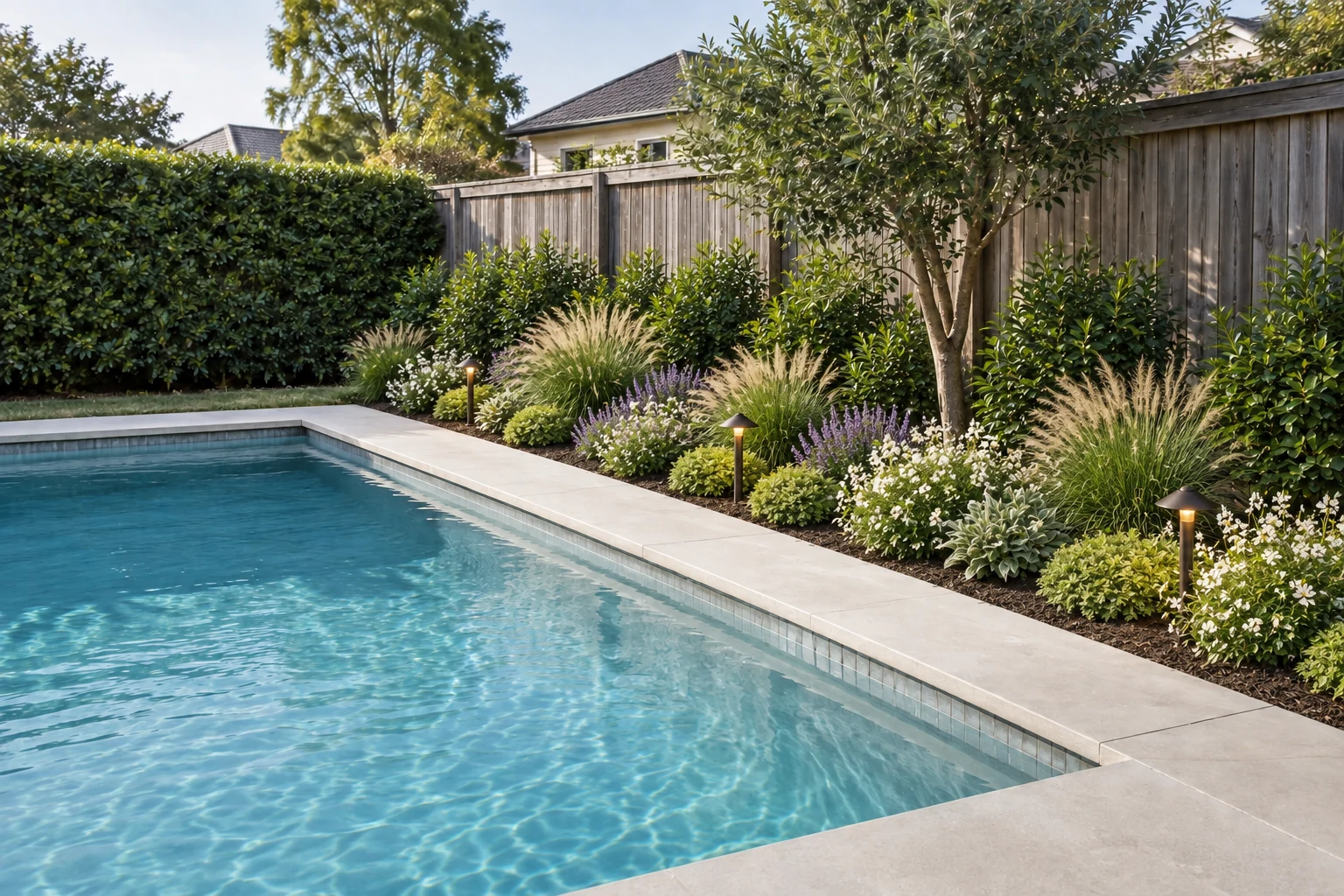
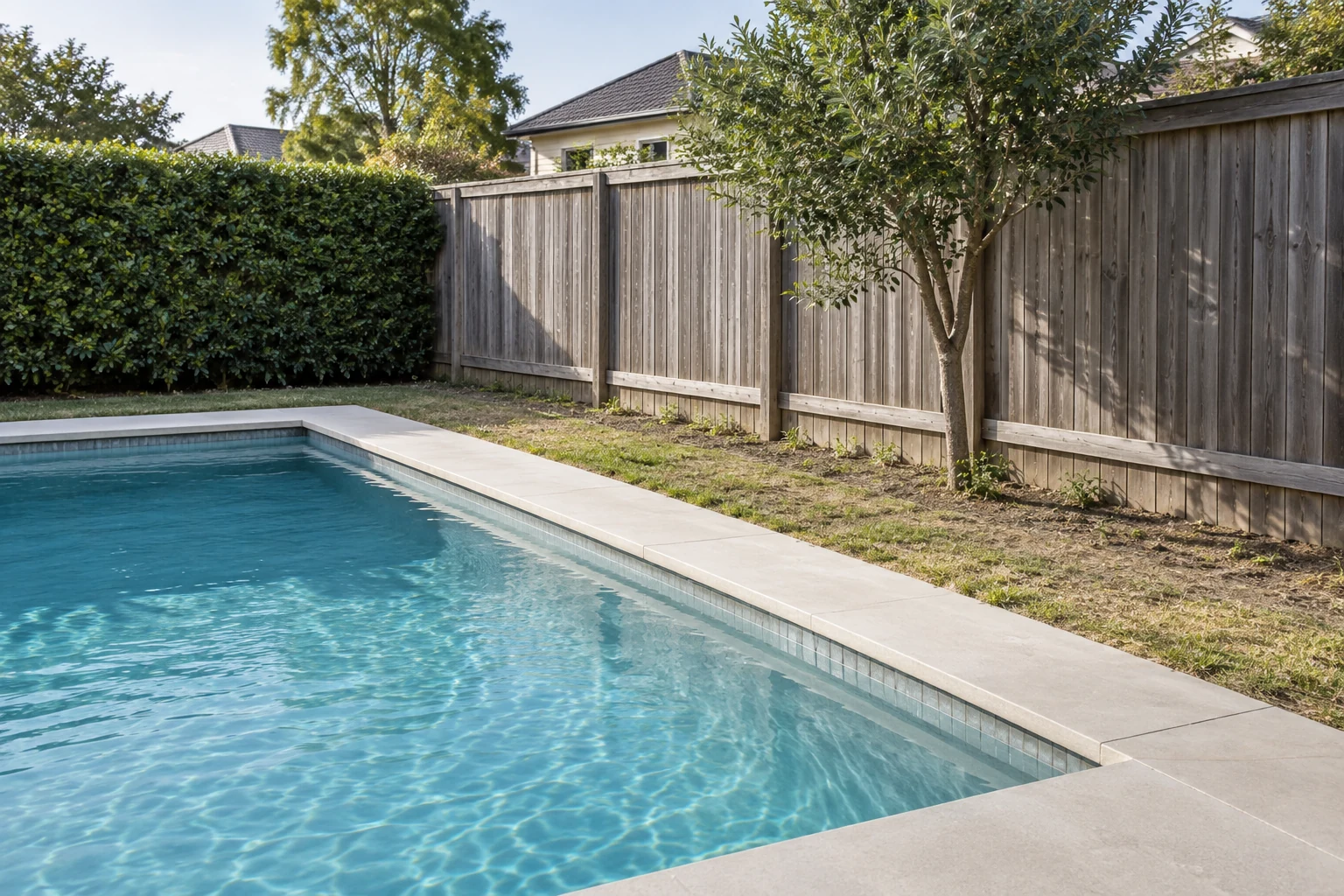
Pool edge after AI pool design with layered planting, deck surface, privacy, and lightingOutdoor poolside area before AI pool design with simple deck surface and planting edge
BeforeAfter

Pool Edge Planting Study

Soften the pool edge with tidy planting. Compare shrubs, ornamental grasses, privacy edges, and low path lighting around the deck.

Pool deck after AI pool design with a refined surface, lounge furniture, planters, and outdoor lightingPoolside deck before AI pool design with existing surface and outdoor edge
BeforeAfter

Pool Deck Mood Concept

Use a pool deck photo to test a warmer mood. Compare deck tone, lounge furniture, shade, planters, and lighting without changing the pool structure.

How AI Pool Design Generator Works

Start with a pool area photo, sketch, or render. Set the pool direction, add notes or references, then compare early concepts before detailed planning.

Step 01

Upload a Pool Area Image

Upload a clear pool area photo, sketch, or render. Show the pool edge, deck surface, doors, steps, fences, planting, and main access path.

Step 02

Set Pool Direction

Choose a pool style and the elements you want to test, such as lounge seating, pool edge planting, privacy, shade, deck surface, planters, or lighting.

Step 03

Add Notes and References

Note what should stay in place. Mention pool shape, coping, deck edges, fences, trees, slopes, gates, and access paths. Add a reference image when you have a mood or material in mind.

Step 04

Generate and Compare

Generate 1-4 pool area concepts from the same input. Compare lounge layout, planting, shade, privacy, deck surface, lighting, and poolside mood.

AI Pool Design
Features for Pool Concepts

Use ArchOne AI to turn a pool area photo, sketch, or render into early visual concepts. Choose a pool style, select elements, add references, and note what should stay fixed.

Pool area photo uploaded for AI pool design concept generation
1

Pool Area Image Upload

Start from a real pool area photo, sketch, or render. Use a clear image that shows the pool edge, coping, deck surface, doors, steps, fences, planting, and access paths.

Try a pool photo
Poolside elements for AI pool design including deck surface, lounge seating, planting, shade, privacy, and lighting
2

Pool Style and Poolside Elements

Choose the pool style first. Then select the poolside elements you want to test, such as lounge seating, planting, privacy, shade, deck surface, planters, or lighting.

Choose pool style
Pool reference image for lounge seating, deck surface, planting, privacy, and outdoor lighting
3

Optional Reference Images

Upload a coping, deck surface, lounge, planter, privacy, shade, or lighting reference. Use it as a cue while the pool photo stays primary.

Add pool references
AI pool design preserving existing pool shape, coping, deck edges, fences, trees, and site access
4

Keep Existing Pool Features in Place

Tell the AI what should stay in place. Mention pool shape, coping, deck edges, fences, house walls, doors, gates, steps, trees, slopes, utilities, and paths.

Add keep notes
Multiple AI pool design concept options for review
5

1-4 Images Per Generation

Generate one pool area concept or compare up to four options from the same photo. Review different seating, shade, planting, privacy, deck, or lighting directions.

Compare pool concepts
Before and after AI pool design concept preview with poolside seating, planting, privacy, and lighting
6

Before/After Concept Preview

Review the original pool area photo beside the generated concept. Use it to see what changed around the pool and what stayed familiar.

Preview pool concepts

AI Pool Design FAQ

Still stuck? Contact us.

Upload a clear pool area photo. Choose a pool style and poolside elements, then add keep notes. ArchOne AI creates early concepts for deck surface, planting, lounge layout, privacy, shade, lighting, and mood.


You can sign in to receive starter credits and try AI pool design. Each generated image uses credits. Paid plans or credit packs are available when you need more concepts.


Yes. Upload a backyard pool, pool deck, spa edge, poolside lounge area, sketch, or early render. A real photo helps the AI respond to your existing pool edge and outdoor space.


Use a bright, steady photo. Show the pool edge, coping, deck surface, fence, doors, gates, steps, planting, and access paths. Avoid dark photos and tight water-only shots.


You can test pool style, deck surface, lounge seating, pool edge planting, shade, privacy screens, planters, path lighting, and a cleaner poolside layout.


Yes. Upload a small pool or spa area photo and describe one main goal. Mention seating, planters, privacy, shade, access, steps, and walking paths.


Write a short note with the pool area type, the mood you want, and what should stay. For example: keep the pool shape, coping, deck edge, fence, door, steps, and main path. Add lounge chairs and warm lighting.


Yes. Ask the AI to keep the pool shape, water edge, coping, deck edge, fences, doors, gates, steps, trees, slopes, utilities, paths, and camera angle in mind. Confirm real site details before implementation.


No. ArchOne AI creates visual pool area concepts only. It does not create measured plans, safety plans, drainage plans, grading studies, permits, or contractor-ready documents.


Use photos that are appropriate for an online design tool. Avoid faces, children, visible addresses, license plates, documents, and sensitive site details. Review ArchOne AI's <a class="text-primary font-semibold underline underline-offset-4" href="/privacy-policy" title="ArchOne AI Privacy Policy">privacy policy</a> before using confidential project images.


AI pool design concept with poolside lounge seating, planting, privacy, shade, and warm lighting

Create AI Pool Design Concepts From Your Pool Area Photo

Upload a pool area photo and compare early concepts. Explore pool style, lounge seating, planting, privacy, shade, deck surface, and lighting before detailed planning.